Muya Markdown Online Editor, Wysiwyg Markdown Editor
Select Language to Enter Editor
Editor Interface Preview
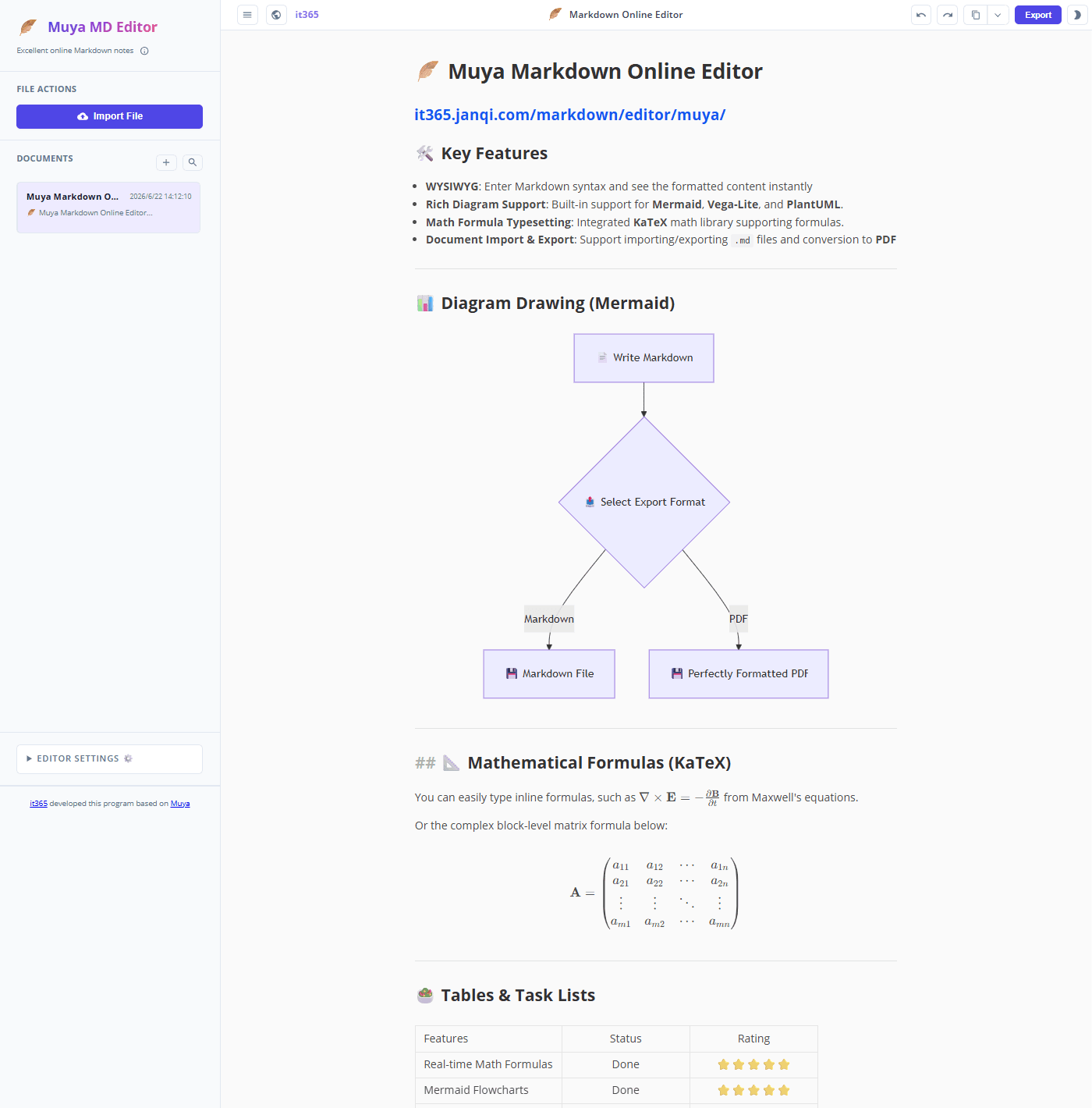
Core Features & Descriptions
📝 Markdown Editor
Based on a highly modern WYSIWYG (What You See Is What You Get) rendering engine, format as you type. Supports advanced KaTeX math formula rendering, Mermaid diagrams (flowcharts, sequence diagrams, Gantt charts, etc.), and GFM-standard tables, providing a seamless writing and rendering experience.
📁 Import Local .md Files
Drag & drop or import .md and .markdown files from your computer or phone to the sidebar. All parsing is done locally in your browser without uploading data to the server, ensuring privacy and lightning-fast reading.
📓 Online Markdown Notebook
Organize your notes like the macOS Notes app. Features auto-save, multi-document creation, renaming, instant keyword search, and bulk export to ZIP for local backups, keeping your drafts and creative works safe.
🖼️ Convert Markdown to JPG / PNG
Fast rendering and one-click export of your Markdown documents to high-quality JPG or PNG images. Retains formulas, tables, and diagrams, perfect for blog posts, social media sharing, or previewing across devices.
📄 Convert Markdown to PDF
One-click render and export Markdown to standard PDF files. Supports customized paper sizes, margin settings, and high-definition printing. Seamlessly preserves math formulas, Mermaid diagrams, and code highlights, saving you hours of formatting.
🌐 Convert Markdown to HTML
Export formatted Markdown documents directly to self-contained, offline HTML webpages. Also supports copying rich text to your clipboard, making it simple to paste formatted content into Word, email clients, or other editors while maintaining styling.