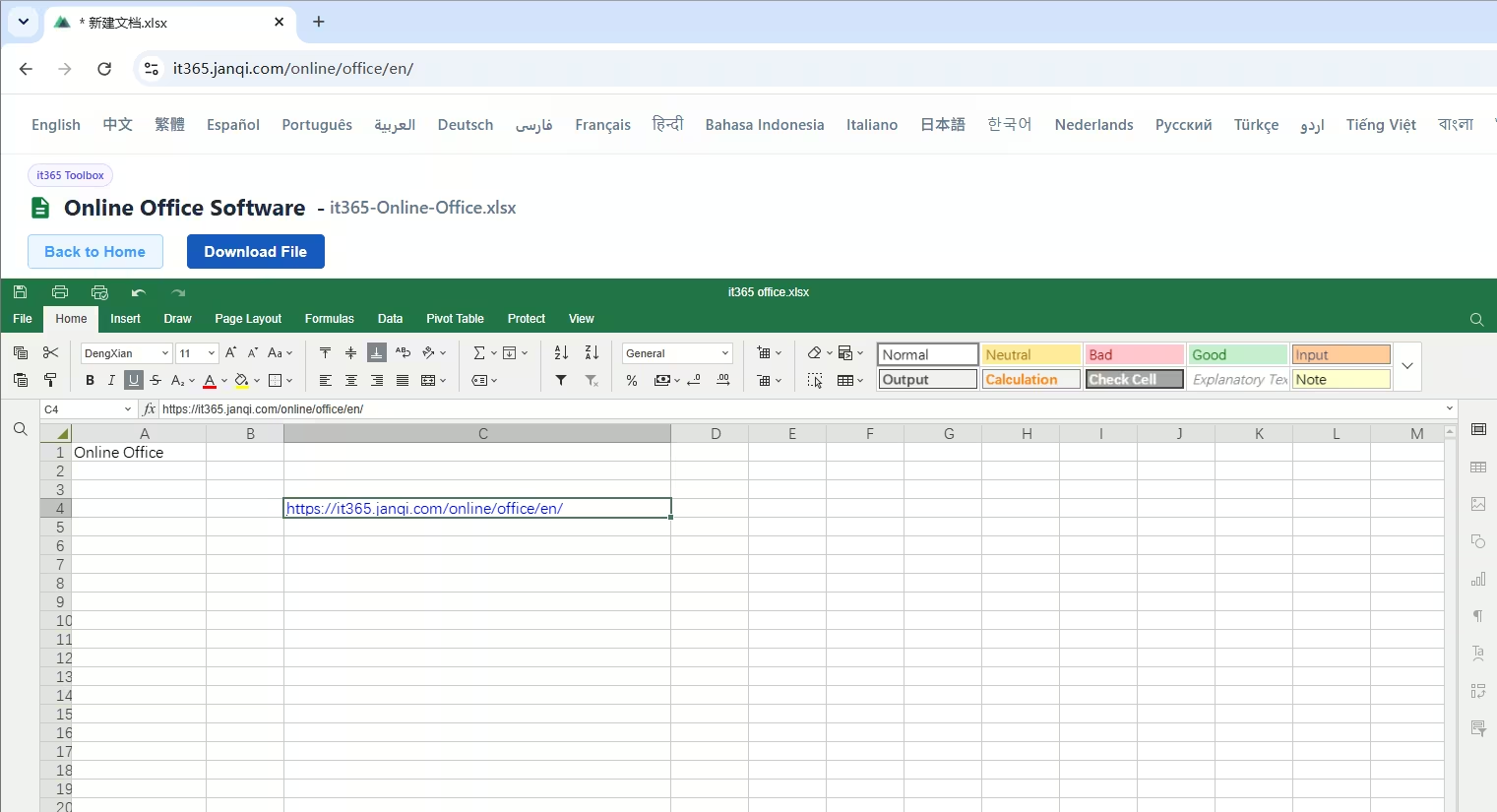
How to open and edit Excel spreadsheets online without logging in?
This online Excel viewer and editor lets you open, edit, and create spreadsheets directly in your browser without installing any software on your computer. Here is the step-by-step guide:
For a more complete online Office, including Word, Excel, and PowerPoint viewing and editing features,
please visit https://it365.janqi.com/online/office/en/
Is there a free Excel software that does not require login?
Most online spreadsheet applications (like Microsoft 365 Web, Google Sheets, etc.) require phone/email verification, scanning QR codes, or signing up. Some advanced features also require paid subscriptions. Our tool provides a simpler, hassle-free alternative:
Core features of our Online Excel Tool:
• Direct Import and View: Simply import your file to start editing. No login or registration required, completely free, and without limits.
• 100% Free with No Paywalls: Powered by client-side WebAssembly compilations, there is no need to purchase licenses or subscriptions. All cell edits, formulas, and exports are completely free.
• No Registration, No Sign-in: Bypass complex account creation and verification steps. Open the webpage, import your spreadsheet, and work immediately. We respect your privacy.
• Sandboxed Environment for Privacy: Unlike online editors that parse your documents on remote cloud servers, all parsing and translation happen locally inside your browser sandbox. Your sensitive data never leaves your device.
• Lightweight & Cross-Platform: No need to install massive 1-2GB office suites. Accessible from any modern web browser on Windows, macOS, and Linux. A perfect replacement for Microsoft Excel or WPS Spreadsheets.

Online Excel Spreadsheet (Spreadsheet)
Quickly compile financial statements, perform formulas, and run pivot tables. Fully compatible with xlsx, xls, and csv formats on the web.
Features of Online Excel Viewer & Editor
Get a desktop-like experience inside your browser without any downloads or installations:
• Online Excel Viewing: Accurately render and view complex spreadsheet datasets. Fully supports modern .xlsx, classic .xls, data exchange format .csv, and open source .ods tables. Pixel-perfect layout with multiple sheets, formula calculations, charts, and custom borders/background colors.
• Online Excel Editing: Build new blank documents or edit imported spreadsheets. Comes with a powerful toolbar to insert mathematical/financial formulas, adjust cell borders/styles, edit row heights/column widths, insert/delete cells, format values, auto-fill sequences, and export files as standard XLSX/CSV.
• No Account Required: Start editing immediately without logging in or signing up. Eliminate steps between you and your spreadsheet analysis tasks.
• 100% Free with Zero Restrictions: All features including formula editing and file downloads are completely free. No file size limits, no subscription plans, just a clean user environment.
• Full Spreadsheet Toolbar: A comprehensive Excel ribbon is provided at the top (Home, Insert, Formula, Collaborate, View, etc.). From text formatting and alignments to bulk search & replace, it works just like your desktop office software.
When to use this Online Excel Editor?
Solve urgent document situations in seconds:
• Quick spreadsheet editing on foreign PCs: Working on library computers, internet cafés, or newly formatted PCs without MS Office or WPS. Avoid waiting for hours to download large software packages—just open the browser and start editing.
• Expired software licenses: When your office suite alerts you that the license has expired, disabling saving or editing features. Open our tool online to edit and download files normally without subscription blockades.
• Cross-platform document sharing: When opening `.xlsx`, `.xls`, or `.csv` files on macOS or Linux using built-in previewers leads to broken styling and formula errors. Get perfect rendering across all browsers.
• Quick modifications on the go: Make quick edits to a workbook on your laptop during a conference or transit and return the modified file immediately without waiting for heavy software to load.
• To delete blank rows in an Excel spreadsheet, please use Quickly Delete Blank Rows in Excel (Online Tool) for one-click batch deletion of redundant blank rows.