How to Use it365 Online Office
it365 Online Office enables you to open, view, edit, and create documents directly in your web browser without installing any software. Here is how it works:
• Spreadsheets (Excel): .xlsx, .xls, .ods, .csv
• Presentations (PPT): .pptx, .ppt, .odp
Workspace Interface Preview
Get a glimpse of our online editing workspace interfaces for Word documents, Excel spreadsheets, and PowerPoint presentations:
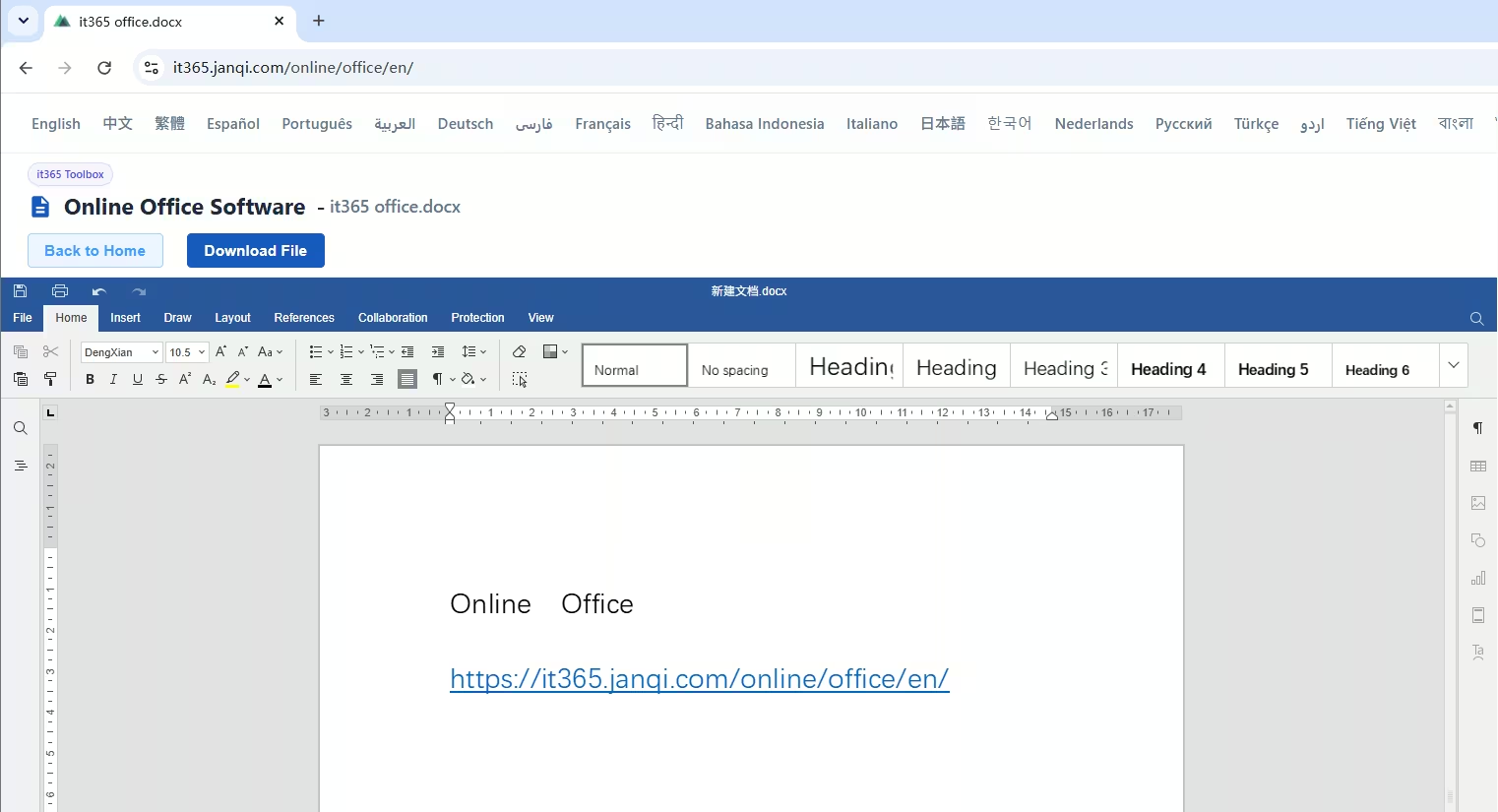 Word Document Editor Preview
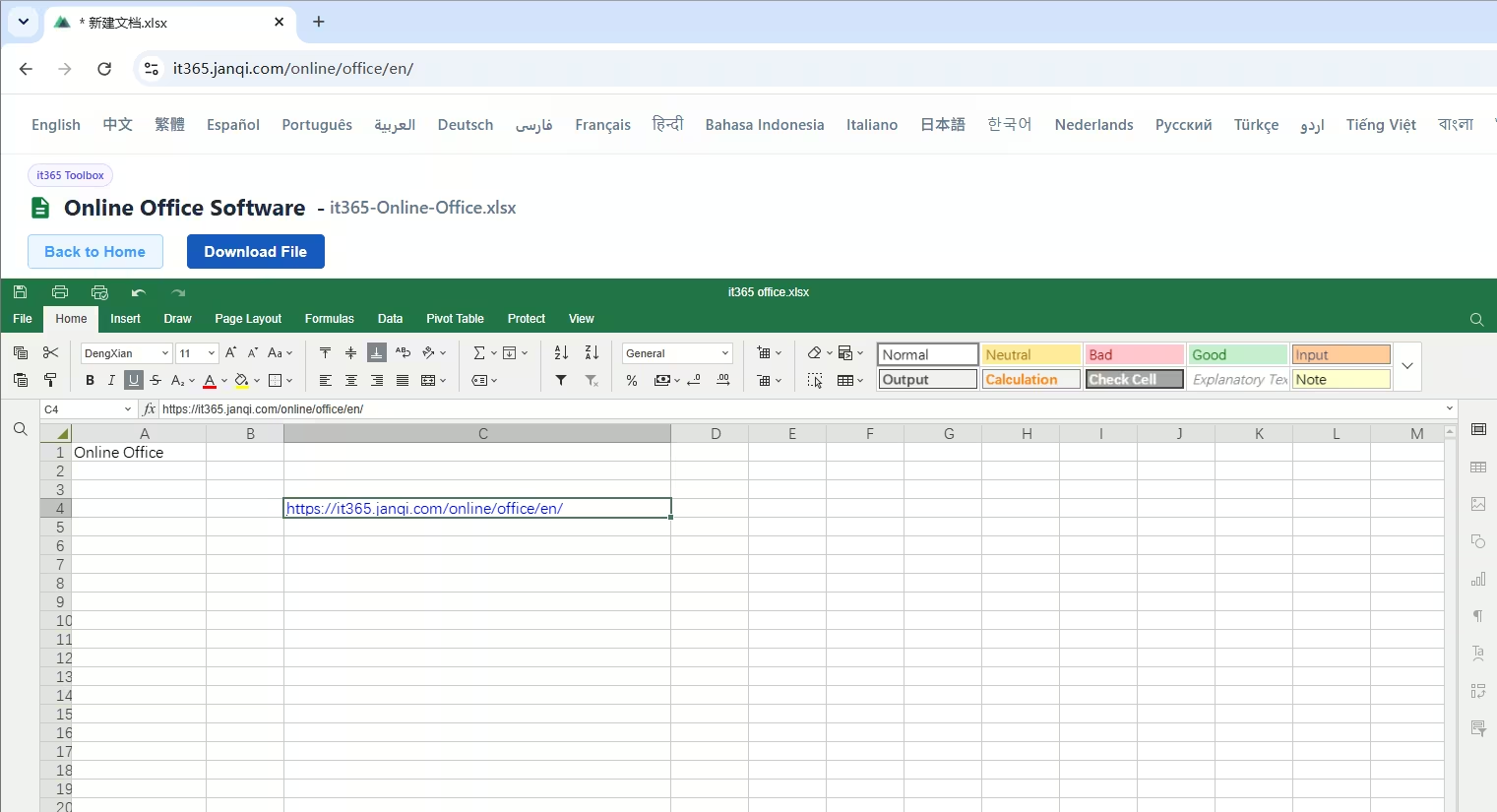 Excel Spreadsheet Editor Preview
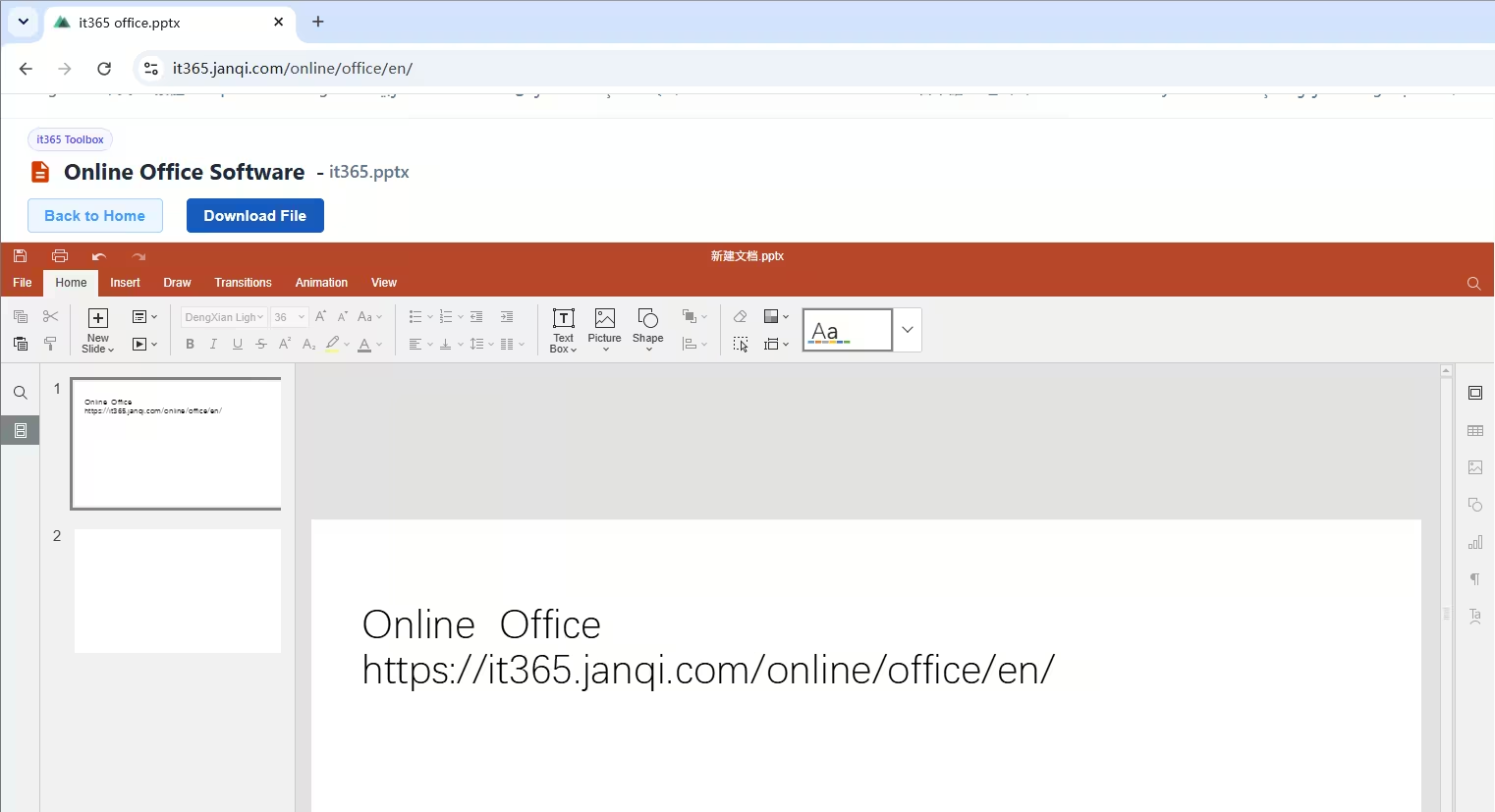 PowerPoint Presentation Editor Preview
Core Features & Benefits
Unlike other cloud document suites that require registration and paid plans, it365 Online Office offers a lightweight, convenient, and cost-free solution:
• 100% Free: Access all editing and formatting tools without subscriptions, licenses, or hidden fees.
• No Account Required: Skip the registration and login process. Open the link and start editing your documents immediately.
• Privacy-first Local Processing: Your files run completely in the browser sandbox. Fully secure for sensitive or confidential company files.
• Cross-Platform Compatibility: Runs perfectly on Windows, macOS, Linux, and mobile browsers, serving as a replacement for MS Office, WPS, LibreOffice, and OpenOffice.
Product Components

Online Word (Document)
High-fidelity formatting, editing, and layout tools for report writing, contract signing, and academic papers. Supports docx, doc, and other text formats.

Online Excel (Spreadsheet)
Create financial models, utilize formulas, sort data, and render charts. Fully compatible with xlsx, xls, ods, and csv formats.

Online PowerPoint (Presentation)
Design slides, organize pitches, and present reports. Choose layouts and add shapes, icons, and custom styling with pptx compatibility.
Looking for a Pure Word Editor?
If you only need a dedicated and lightweight online Word editor, our Docx Editor is perfect for you. It offers full Word editing capabilities with absolutely no login required. You can easily manage document annotations, comments, tracking changes, and comprehensive reviews.